
CCC Course in Kanpur
Build confidence with everyday computer skills. Explore computer basics, office applications, internet and email, digital services, online payments and cybersecurity awareness in one learning journey.
Learn computer skills for study, work and everyday life
The Course on Computer Concepts (CCC) is intended to help learners understand the basics of using computers and common digital tools. It can be useful for students, job seekers, homemakers and anyone building digital confidence.
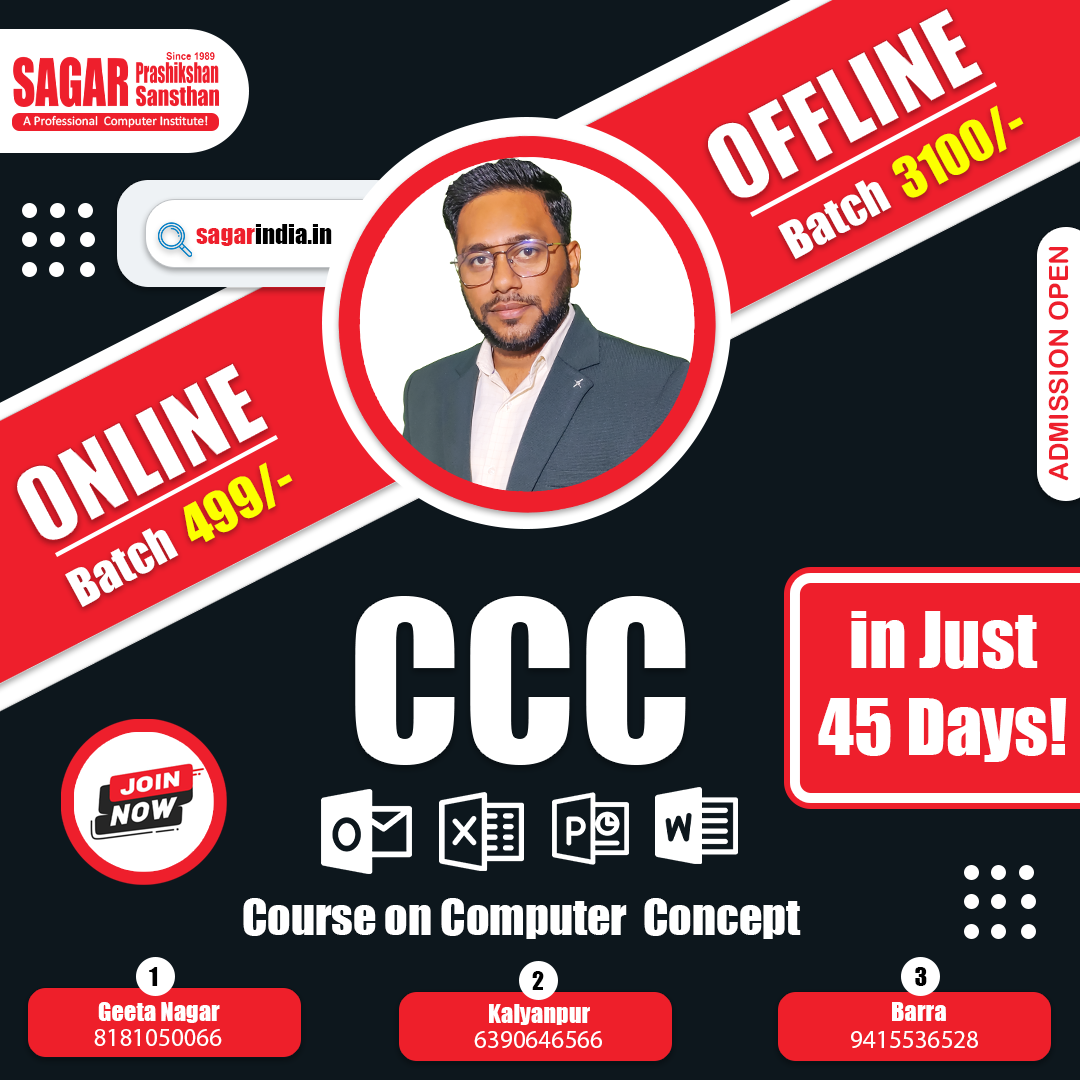
CCC course overview • Sagar Prashikshan Sansthan
What will you learn?
Build a useful foundation in computer operation and the digital tools commonly used at home, in education and in the workplace.
Operate a Computer
Understand computer components, hardware, software and basic operating-system tasks.
Use Office Applications
Create documents, organise data in spreadsheets and prepare presentations.
Browse the Internet
Use web browsers and search engines, manage email and exchange attachments.
Access Digital Services
Learn about online forms, e-governance services and common digital platforms.
Understand Digital Payments
Explore UPI, online banking and safe practices for digital transactions.
Stay Safer Online
Recognise common online risks and protect personal information and accounts.
CCC syllabus overview
Open each module to explore the topics listed in this course overview. For the current official examination syllabus, eligibility and certification rules, confirm details with NIELIT or the institute before enrolling.
Explore the modules
Move from basic computer knowledge to common digital tasks and online safety.
01 Introduction to Computers
- Basic components and types of computers
- Common applications of computers
- Hardware, software and input/output devices
02 Operating System Basics
- Navigating a GUI-based operating system such as Windows or Linux
- Managing files and folders
- Installing and uninstalling software
03 Word Processing
- Create and edit documents in MS Word or LibreOffice Writer
- Format text and insert images, tables and charts
- Use templates and print documents
04 Spreadsheets
- Enter and format data in MS Excel or LibreOffice Calc
- Use basic formulas and functions
- Create charts and graphs
05 Presentation Software
- Create slides using MS PowerPoint or LibreOffice Impress
- Add text, images and animations or transitions
- Design and deliver clear presentations
06 Internet and Web
- Web browsing and search engines
- Creating and managing email accounts
- Downloading and uploading files
07 Email, Social Media and e-Governance
- Sending and receiving email with attachments
- Responsible use of social media platforms
- Introduction to online public services, including Aadhaar- and PAN-related services
08 Digital Financial Services
- Net banking and mobile banking basics
- UPI, wallets and credit/debit card payments
- Protecting PINs, OTPs and banking information
09 Future Skills and Cybersecurity
- Introduction to AI, IoT and cloud computing
- Basic cybersecurity awareness
- Protecting personal information online
Useful skills for different learners
Digital literacy supports many everyday tasks. Career requirements vary by employer, role and recruitment notification, so always check the eligibility rules for a specific opportunity.
Students
Prepare assignments, presentations and online applications with greater confidence.
Job Seekers
Practise basic computer tasks that may be useful in clerical and administrative roles.
Everyday Users
Build familiarity with email, online services and digital transactions.
Frequently asked questions
Find quick answers to common questions about the CCC course, then contact us for the latest details.
What is the CCC course?
CCC stands for Course on Computer Concepts. It is intended to build foundational knowledge of computers and digital literacy. Confirm current course and examination details with NIELIT.
Who can learn CCC?
The course topics are suitable for people who want to build basic computer skills. Formal eligibility requirements, where applicable, should be checked in the latest official NIELIT guidance.
Do I need prior computer knowledge?
The topics start with computer fundamentals, so the course overview is beginner-friendly. Contact the institute to discuss your current skill level and learning needs.
What topics are covered?
The supplied course outline covers computer and operating-system basics, word processing, spreadsheets, presentations, internet, email, e-governance, digital financial services and cybersecurity awareness.
How much are the fees and how long is the course?
Fees, duration, batch timings and current availability are not specified in the supplied page content. Use the enquiry form to ask the institute for current details.
Does CCC guarantee a government job?
No. Certification does not guarantee a job. Some recruitment notifications may specify computer qualifications, but requirements differ; check the official notification for each post.
How do I enrol or ask a question?
Use the Enroll for CCC link to open the admission page, or click an enquiry button to use the existing enquiry modal on this website.
Start your CCC learning journey
Ask about course details, admission, batch timings and the current learning options before you decide.